Ultimate Guide to TikTok Ads for Beginners: Launch Your First Campaign with Confidence
Are TikTok ads just a trend for flashy brands with young audiences? Or can small businesses, professional services, and “non-viral” industries actually benefit from running campaigns on the world’s fastest-growing social media platform? If you’re searching for simple, clear guidance on TikTok ads for beginners, you’re not alone. Thousands of marketers over 35 are asking the same question — and getting results that might surprise you.
Maybe you’ve tried Facebook or Google Ads and found them overly complex or saturated. Maybe you’ve never run an ad in your life. Either way,tiktok ads for beginners, TikTok’s ad platform offers a unique, user-friendly entry point with powerful tools that work even for those without technical know-how. Plus, with the right creative strategy, the return on investment can be incredibly strong — even for small budgets.
Before you dismiss TikTok as a Gen-Z-only playground, consider this: brands from plumbing services to accounting firms are generating real leads and awareness through 15-second vertical videos. And thanks to tools like the top TikTok creator tools, you can start your journey with minimal setup and zero production stress.
Let’s walk through every step, from account creation to running your first live campaign.



Why TikTok Ads Are Effective in Today’s Market
1.The Shift Toward Short-Form Paid Media
Consumer attention spans are decreasing. TikTok ads capitalize on this by delivering concise, visually engaging content that doesn’t feel like a traditional advertisement. People don’t scroll past—they stay and watch.
2.How TikTok Captures Intent Through Engagement
Unlike search-based platforms, TikTok doesn’t rely on keywords to predict user behavior. Instead, it uses algorithmic engagement data to push your ad to the most responsive users — even if they’ve never heard of you before.
This passive discovery system lowers ad costs and increases reach, especially when compared to older networks.
Setting Up TikTok Ads Manager: Your Step-by-Step Guide
1.Creating a Business Account
Start by creating a TikTok Business Center account. This unlocks ad management, analytics, and custom audience tools.
Visit business.tiktok.com
Sign up with your email
Enter business name and industry
Set your time zone and currency
You’re ready to launch
2.Navigating the TikTok Ads Manager Dashboard
The interface is clean, structured into Campaign, Ad Group, and Ad levels — similar to other platforms. If you’ve used Meta Ads Manager, the layout will feel familiar.
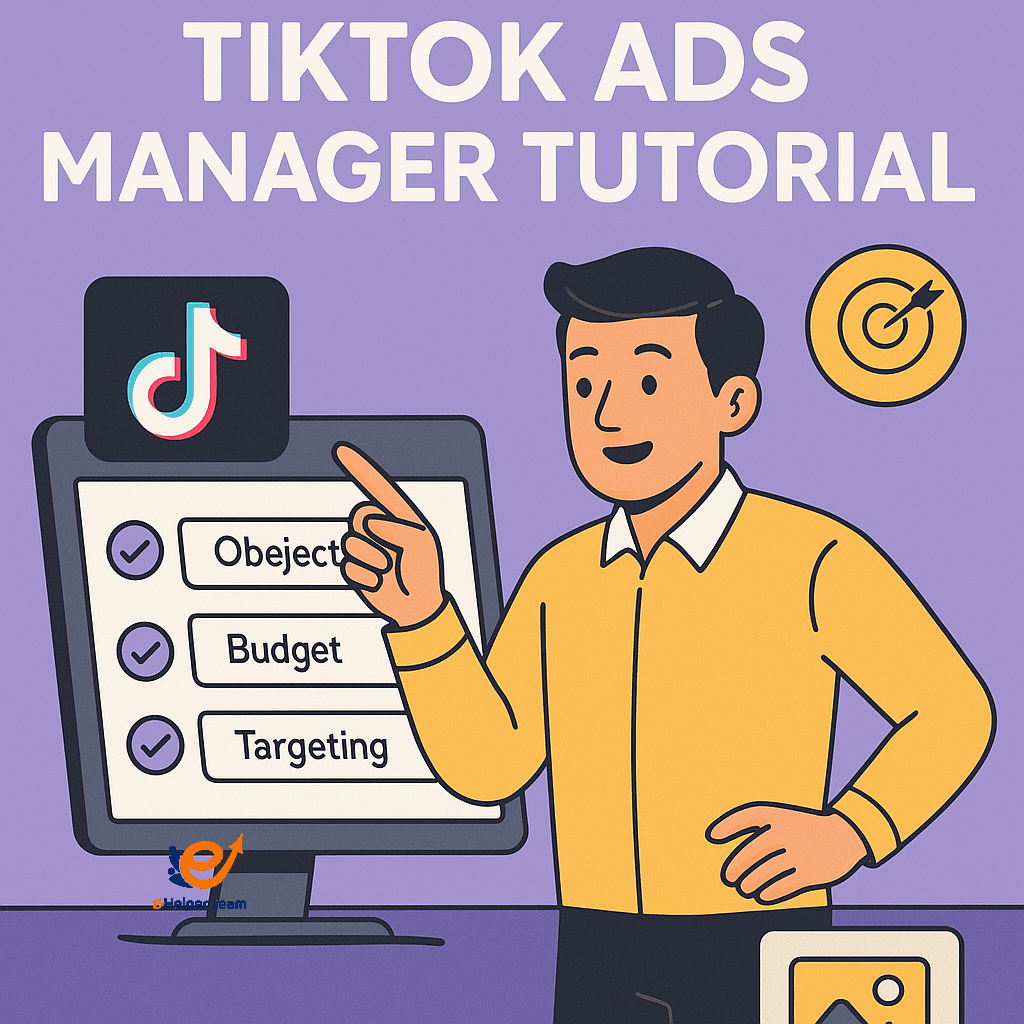
TikTok Ads Manager Tutorial: First-Time User Interface
Use the guided setup walkthrough that appears after account creation. It helps first-timers explore each panel. The system also offers automated campaign options for absolute beginners.
Choosing an Objective That Matches Your Business Goals
1. Awareness vs Consideration vs Conversion
When launching a campaign, TikTok asks you to choose a goal. Here’s what each means:
Awareness: Great for building brand presence
Consideration: Ideal for traffic and app installs
Conversion: For direct sales or form fills
How to Align Objective with Audience Behavior
If your business is new to TikTok, start with consideration-based objectives to build traction. Once you know what works, shift to conversion-based campaigns to scale.
Setting a Budget: How Much Should You Really Spend?
Understanding Campaign Budget Optimization
TikTok gives you two options:
Daily Budget: Spend a set amount per day
Lifetime Budget: Set a total spend with fixed start/end dates
Start small ($20–$50/day), then scale once you see strong performance.
Bidding Strategies and Daily Caps
Use automatic bidding at first. Once you understand your conversion cost, switch to manual bidding to control ad spend precisely.
Exploring TikTok’s Targeting Options
Demographic Filters and Behavior-Based Targeting
TikTok lets you filter audiences by:
Age and gender
Location (city, region, country)
Language
Device type (iOS vs Android)
Behavior and interests
This flexibility allows deep customization even for niche markets.
Custom and Lookalike Audiences
You can upload a customer list or retarget people who interacted with your videos. For wider reach, use Lookalike Audiences to target users with similar profiles.
Crafting the Perfect Ad Creative
Ad Creative Best Practices for Beginners
Keep these principles in mind:
Hook within 3 seconds
Vertical 9:16 format
Subtitles for silent viewing
15–30 second length
Clear call to action at the end
Choosing the Right Format: In-Feed, Spark Ads, or TopView
In-Feed Ads: Appear while scrolling — natural and less intrusive
Spark Ads: Use existing content and turn it into an ad
TopView: Premium placement — shows first when opening the app
Finding Trending Sounds Before They Peak
Using trending sounds increases your ad’s engagement. Learn how to discover them in this guide.
How to Analyze and Optimize Performance
1.Using TikTok Analytics for Campaign Feedback
TikTok offers a full analytics suite under the “Reporting” tab. You’ll see metrics like:
CTR (click-through rate)
CPC (cost per click)
CPM (cost per 1,000 impressions)
Conversion rate
2.Interpreting Metrics to Adjust Strategy
High impressions, low clicks? Tweak your creative
Good CTR but no conversions? Revisit your landing page
Need help? Here’s a great resource for analyzing TikTok performance.
Real-World Case Study: How a Local Brand Scaled with TikTok Ads
A family-run leather goods shop in Texas grew its online orders by 230% using TikTok ads. They started with $25/day campaigns focused on “product-in-use” videos using trending music.
What worked?
Short videos (under 10 seconds)
Emotional storytelling
Strong call to action
Within two months, the brand built 15K followers and consistent daily orders.
Common Mistakes to Avoid with TikTok Ads
Using generic stock videos instead of real content
Skipping audience targeting or choosing “auto” without reviewing
Running conversion campaigns too early
Ignoring ad comments — where feedback lives
Not testing different creatives side by side
Comparison Table: TikTok vs Facebook vs Instagram Ads
| Feature | TikTok Ads | Facebook Ads | Instagram Ads |
|---|---|---|---|
| Format | Short-form video | Video + Static | Visual first |
| Creative Flexibility | High | Medium | High |
| Cost (CPM avg.) | Low–Medium | Medium | Medium |
| Audience Age | 18–45 | 25–60 | 20–45 |
| Trend Adoption Speed | Very fast | Moderate | Fast |
Advanced Tactics to Maximize ROI with TikTok Ads
1. Test Multiple Ad Variations Early
Rather than committing to one ad creative, launch multiple versions (e.g., version A, B, and C) with:
Different openings (hook variations)
Varying text overlays or captions
Two or three background music options
Run each variation for 2–3 days. TikTok’s system automatically optimizes toward the highest-performing ad, helping you find your strongest creative faster.
2. Use Sequential (Drip) Campaigns for Better Funnel Flow
While one-off ads can generate clicks, sequential campaigns nurture leads more effectively:
Ad 1 (Awareness): Introduce brand benefits in 7–10 seconds.
Ad 2 (Consideration): Showcase product/service in action.
Ad 3 (Conversion): Display limited-time offer or testimonial.
This gradual buildup increases engagement, trust, and eventual conversion rates on tighter budgets.
3. Layer Targeting with Exclusion Logic
Include a broad interest audience for initial reach.
Exclude people who already interacted with your organic or paid content.
Re-target warm audiences (video viewers, page engagers) with stronger CTAs.
This layered structure reduces ad fatigue and directs budget toward more receptive segments.
4. Run Short-duration Promo Blitzes
Limited-time campaigns—lasting 48–72 hours—can increase urgency:
Use countdown overlays or text like “Only 2 days left”
Promote flash deals or seasonal offers
Add urgency-based calls to action like “Act now”
These blitzes often yield high CTRs and lower CPCs than evergreen campaigns.
5. Leverage User-Generated or Duet-Based Ads
Ask customers to create short clips of them using your product or service. Use permission to:
Convert those clips into Spark Ads for authenticity-led promotion
Encourage followers to Duet your existing content for wider organic reach
This strategy boosts trust and reduces creative costs.
6. Monitor Ad Frequency & Avoid Burnout
7. Use Your First-Party Data for Better Retargeting
Upload your email or CRM list to create custom audiences.
Retarget subscribers, repeat customers, or engaged users.
Exclude converted customers to avoid wasted spend.
First-party data gives campaigns higher precision and better ROI.
Practical Execution: Example for a Local Gym Campaign
Campaign structure:
Campaign A: Awareness using a demo workout video
Campaign B: Consideration via Duet-style testimonial
Campaign C: Conversion with trial offer and countdown timer
Targeting sequence:
Show Awareness ad to local age 35–55 users interested in health.
Retarget viewers of Awareness with Consideration ad.
Finally, retarget those who watched both ads with Conversion ad.
Expected results after 2 weeks:
Awareness reach: 5,000 users
Conversion clicks: 200
Trial sign-up rate: 15%
Cost per trial signup: $2–$4
Content Refresh Routine for Sustainable Growth
| Week | Content Refresh Task |
|---|---|
| Week 1 | A/B test new video opening and CTA format |
| Week 2 | Swap out background sound or voiceover style |
| Week 3 | Rotate headline text or caption phrasing |
| Week 4 | Add new user-generated clip or testimonial |
By cycling creative variables every week, you avoid fatigue, maintain freshness, and gradually optimize performance.
Pro-Level Optimization Checklist Before Launch
Do you have at least 3 ad variants?
Is frequency capping set or monitored?
Are you retargeting video viewers and page engagers?
Do you have custom audience exclusions from your CRM list?
Are campaigns staggered (awareness → conversion sequence)?
Have you set a daily cap to avoid overspending?
tiktok ads for beginners, Completing this checklist sets the foundation for scalable, cost-effective TikTok ad campaigns.
FAQs
Q1: How long does it take to get results with TikTok ads?
Some businesses see results in days, but allow 1–2 weeks to gather enough data for optimization.
Q2: Do I need professional video editors?
No. You can use beginner-friendly apps like those in this list of free video editing tools.
Q3: Can I run ads without posting on TikTok?
Yes, but running organic content alongside paid ads often improves performance.
Q4: How do I know what’s working in my campaign?
Track metrics like CTR, CPC, and conversions inside the TikTok Ads Manager dashboard.
Q5: Are TikTok ads good for local businesses?
Absolutely. You can target by city, state, or region and reach customers near you.
Final Thoughts and Action Steps
Running TikTok ads for beginners doesn’t have to be overwhelming. With the right structure, objectives, and tools, you can start small and scale fast. Use automation when needed, test everything, and focus on creative that connects emotionally.
Want to start now? Explore tools like 7-second video formulas for stronger results in this expert strategy guide


